




Free mobile games to play in your browser

9 free games

Not every browser game works on a phone, which is why this page exists. It lists every game on Offline Games that we have tested on a phone-sized screen with touch controls, so you can play on your mobile or tablet without hunting for a keyboard. You will find relaxing sorting and merge puzzles, sudoku, a downhill ragdoll race, football trick shots, solitaire, chess, Ludo and more. They all open straight in your mobile browser on iPhone, iPad and Android, with no app to install, no download and no account. Every game here was played on a phone-sized screen before we marked it mobile friendly, and each one has a guide that lists the touch controls alongside the keyboard ones. Portrait games fill a phone screen nicely, while landscape games are best with your phone turned sideways. Press the full screen button under a game for the biggest view. Sort by popularity or newest to find your next favourite.

Top picks

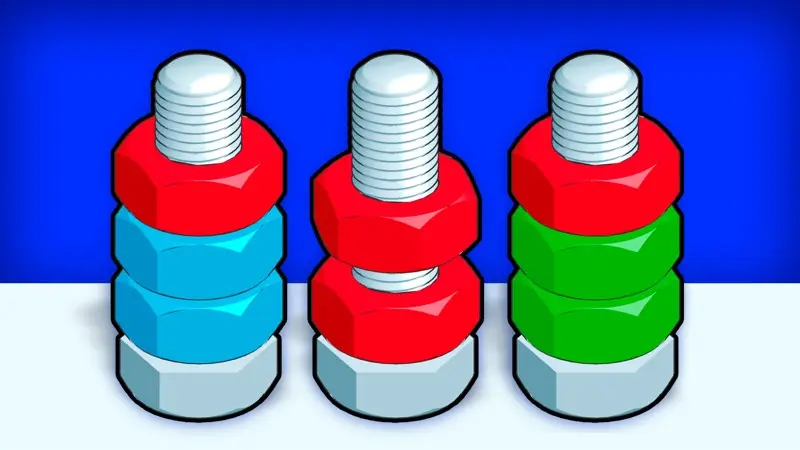
  1. Bolts stacked with red, blue, yellow and green nuts in Nuts Puzzle: Sort By ColorNuts Puzzle: Sort By ColorWorks on mobile
  2. Colourful cartoon fruit piled in a glass jar in Fruit MergeFruit Merge: Juicy Drop GameWorks on mobile
  3. Shelves full of colourful toys and snacks waiting to be sorted in Good Sort MasterGood Sort Master: Triple MatchWorks on mobile

How we test mobile games

A game only appears on this page after we have loaded it in our player at phone size and played it with touch input. We check that the game fits the screen, that the buttons are large enough to tap and that nothing important is hidden behind the edges. Games that only work with a keyboard are labelled "Best on desktop" on their own page and never appear here.

Getting the best experience on a phone

  1. Use full screen. The full screen button under each game removes the browser bars and gives you more room. On iPhone, the game fills the window instead, with an "Exit full screen" button at the top.
  2. Match the orientation. Turn your phone sideways for landscape games and keep it upright for portrait ones.
  3. Close other tabs. 3D games in particular run more smoothly when your browser is not juggling lots of open pages.
  4. Mind the volume. Many games start with sound on, so check your volume before playing on the bus.

Games to play on your phone, without an app

App stores are full of games that ask for permissions, an account or in-app purchases. The games to play on phone here need none of that: they open in Safari or Chrome like any web page, keep your progress in the browser and can be added to your home screen if you want quick access. If a game stops working, simply reload the page.

Best types of game for touch screens

Games built around taps and swipes feel most natural on a phone. Sorting and merge puzzles are ideal, as are bubble shooters, solitaire and board games. Runners that use swipes also work well. Fast 3D games with many buttons are usually better on a computer.

Browse by genre in our puzzle games, arcade games or card and board games, and look for the phone icon on each card.

Mobile Games at a glance

GameDeveloperDifficultyTypical runMobile
Fruit Merge: Juicy Drop GameBravestarsMedium3–10 minutes per roundYes
Good Sort Master: Triple MatchSergey TikhonovEasy1–3 minutes per levelYes
Klondike Classic SolitaireErmac AlexMedium5–10 minutes per gameYes
Ludo LegendInlogic Software s.r.o.Easy10–20 minutes per gameYes
Master ChessCodeThisLabMedium10–30 minutes per gameYes
Nuts Puzzle: Sort By ColorOrange BMedium1–4 minutes per levelYes
Ragdoll Racing: Extreme Downhill!Eccentric Studio GamesMedium1–2 minutes per raceYes
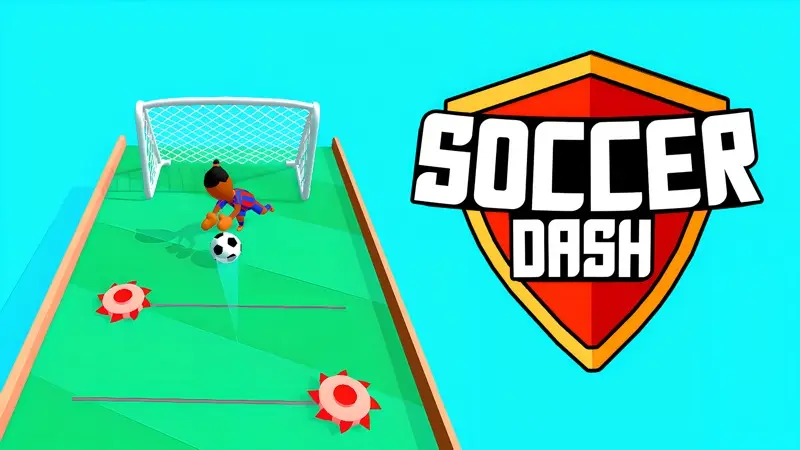
Soccer DashMirra GamesEasy30 seconds per levelYes
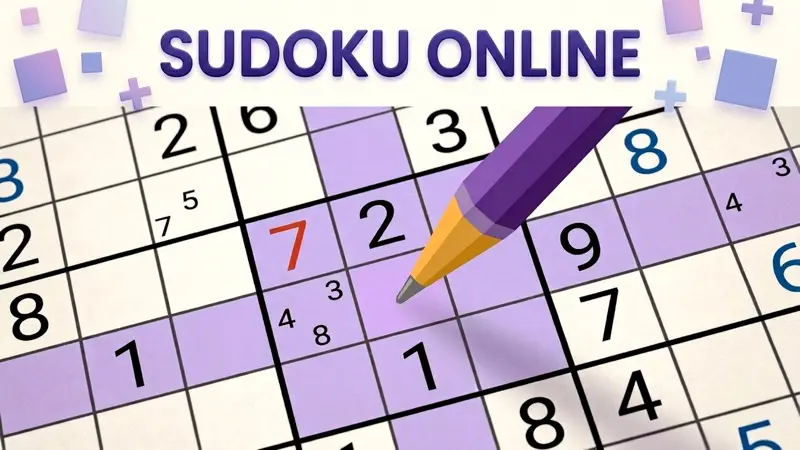
Sudoku OnlineSmartberryMedium5–30 minutes per gridYes

Mobile Games: your questions answered

Do I need to download an app to play on my phone?

No. Every game on this page runs in your mobile browser, such as Safari or Chrome. Just open the game page and press Play.

Why do some games say "Best on desktop"?

Some games need a keyboard or mouse to play properly. We only list a game here once we have checked its touch controls on a phone-sized screen.

Should I hold my phone upright or sideways?

Portrait games, such as most sorting puzzles, are made for an upright phone. Landscape games play better with the phone turned sideways. Each game page says which shape the game uses.

Do mobile games use a lot of data?

Most browser games download between 5 and 50 MB the first time you play. Use Wi-Fi if you are on a limited data plan.