TRAFFIC Rush Online controls
| Action | Keyboard / mouse | Mobile |
|---|---|---|
| Drive | WASD or arrow keys | On-screen pedals and steering |
| Change camera | C | Camera button |
What is TRAFFIC Rush Online?
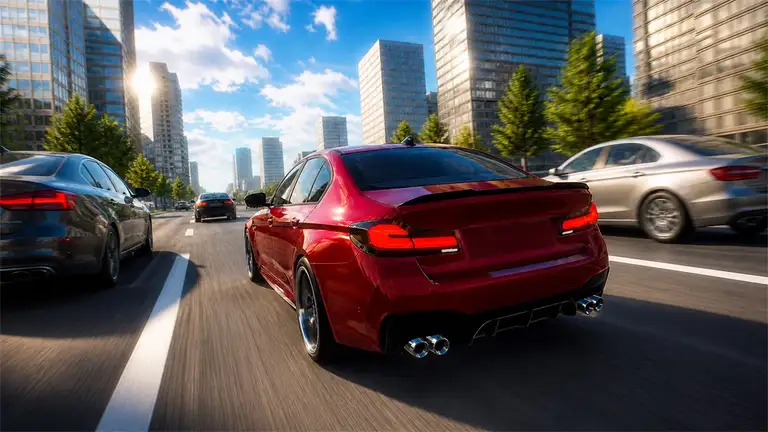
TRAFFIC Rush Online is a 3D driving game set on the streets and motorways of a big city. In the main Traffic mode, your goal is to drive as far as possible through heavy traffic without crashing, changing lanes between moving cars and managing your speed. The further you get, the more money you earn. Free Ride lets you explore the city without any restrictions, and the online mode puts you on the road with other players.
Money buys new cars and upgrades, and the garage lets you customise colours, wheels and exterior parts.
How to play
Drive with WASD or the arrow keys, and press C to change the camera. On phones and tablets, use the on-screen pedals and steering controls. Dodge traffic, set new distance records and build up your garage.
Driving tips
- Pick the higher camera. A view from further back makes it easier to read traffic ahead.
- Stay in the clearer lanes. Keep an eye on which lanes are moving faster and move early.
- Don't max out your speed straight away. Gradually building speed gives you time to learn the traffic.
- Upgrade braking and handling. They save more runs than extra horsepower.
- Practise in Free Ride. It is the perfect place to learn a new car before using it in Traffic mode.
A note on the online mode
The online mode lets you drive alongside other players. Our site has no chat, and we suggest younger players stick to the single-player modes. See our Safe Play page.
Similar games
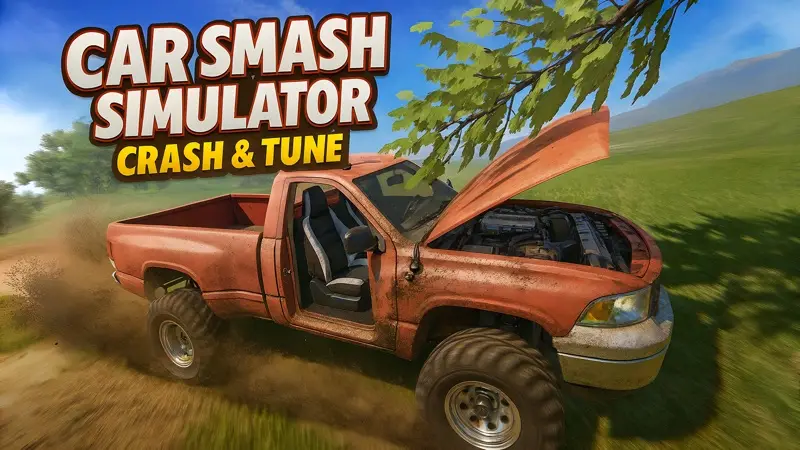
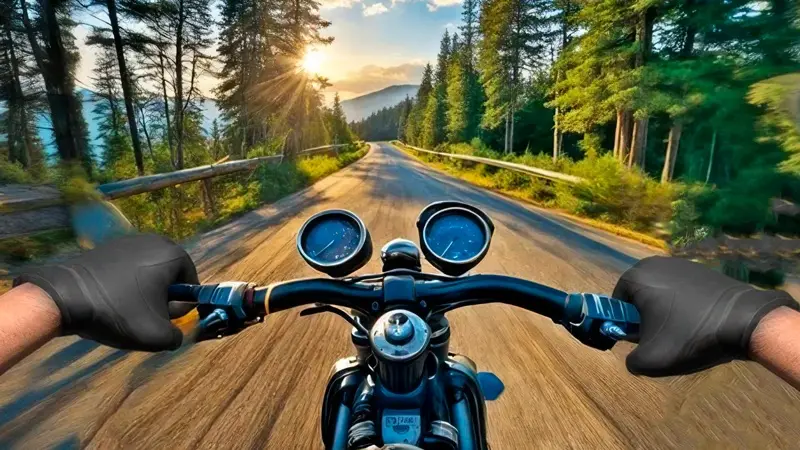
On two wheels, try Motorcycle Racer: Road Mayhem. For crashing instead of dodging, try Car Smash Simulator. Browse all our racing games.
Good to know
If you only want to drive, the Traffic mode is the place to start: it is a single-player challenge where the further you drive, the more you earn. Free Ride is a relaxed way to learn the handling of a new car.
What we found when we tested it
Before the garage opens, the game asks you to create a nickname for its online mode. Any made-up nickname works; we suggest never using your real name. After that you can start a race straight away.