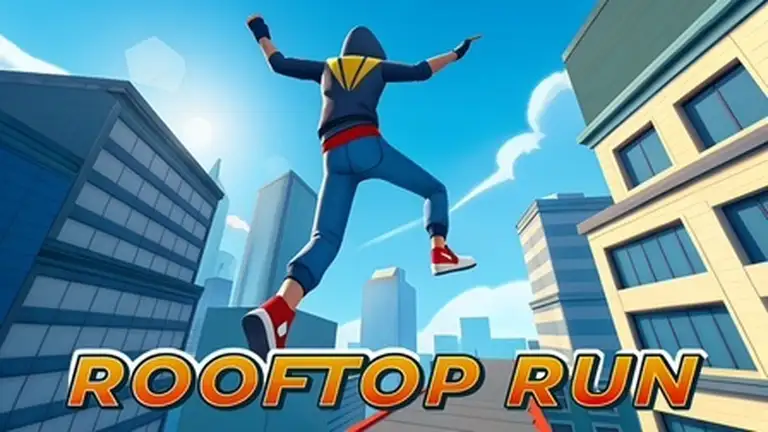
Rooftop Run controls
| Action | Keyboard / mouse | Mobile |
|---|---|---|
| Jump | Up arrow | Swipe up or on-screen button |
| Slide or roll | Down arrow | Swipe down or on-screen button |
| Move left and right | Left and right arrows | Swipe left or right |
| Fire weapon | Space | On-screen button |
| Boost | Shift | On-screen button |
What is Rooftop Run?
Rooftop Run is a parkour runner set high above a busy city. Your character sprints forward on their own across rooftops, ledges and walkways, and your job is to keep them moving: leap across gaps between buildings, slide under pipes and barriers, smash through flimsy obstacles and stay ahead of the enemies chasing you. Each level is a short, intense dash with a clear finish line, and later levels add more hazards and faster sections.
How to play
On a computer, press the up arrow to jump, the down arrow to slide or roll, and left and right to change your line. Space fires your weapon at anything in the way, and Shift triggers a speed boost. On a phone or tablet, use the on-screen buttons and swipes instead. Reach the end of the level to unlock the next one.
Tips for longer runs
- Jump late, not early. Most falls come from jumping too soon. Wait until you are right at the edge.
- Slide through tight spots. If you are unsure whether you can jump something, sliding under it is often safer.
- Save the boost. Boosting at the start of a level wastes it. Keep it for long gaps or when an enemy closes in.
- Learn the level layout. Levels are fixed, so every attempt teaches you where the next jump is.
- Keep your fingers ready. Rest your fingers on the arrow keys so you can react instantly.
Why it is fun
Rooftop Run nails the feeling of free running: big leaps, quick slides and a city skyline rushing past. Levels are short enough for a quick break but tempting enough to replay for a better run. It plays best with a keyboard on a computer.
Similar games
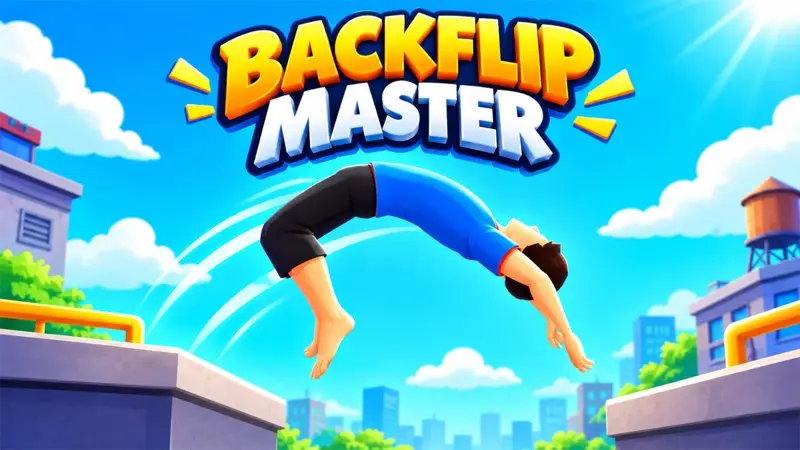
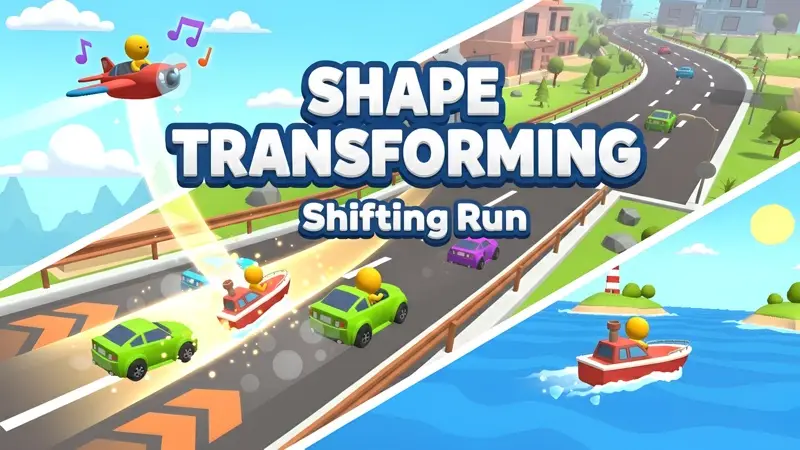
Want more speed? Try Shape Transforming: Shifting Run, or flip your way to a perfect landing in Backflip Master. See all our arcade games.
What we found when we tested it
After a short Mad Hook splash screen the game showed Level 1 over a city street, with Upgrades and Skins buttons below. It plays best with a keyboard on a computer.