Find the Frog - Hidden Objects controls
| Action | Keyboard / mouse | Mobile |
|---|---|---|
| Find a frog | Click it with the mouse | Tap it |
| Use the magnifying glass | Click the magnifier button | Tap the magnifier button |
| Zoom the scene | Mouse wheel | Pinch with two fingers |
What is Find the Frog?
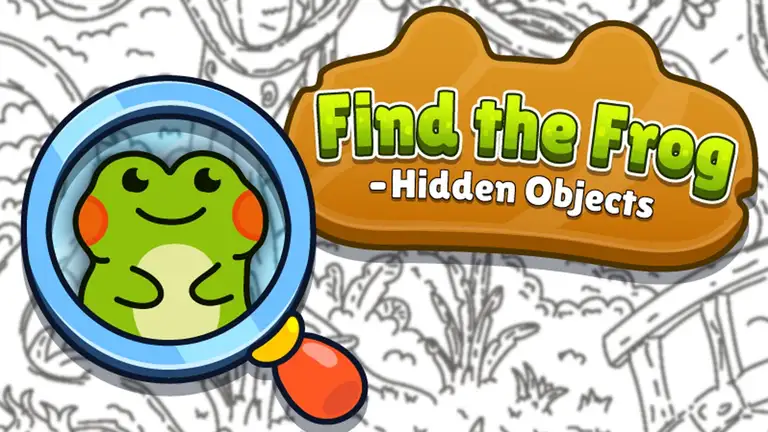
Find the Frog is a calm hidden object game. Every level is a detailed black-and-white drawing, packed with houses, trees, boats, animals and people, and somewhere among all that detail sit a handful of cartoon frogs. Your job is to find every one. When you click a frog it bursts into bright green, which makes each find feel like a small reward and shows at a glance which frogs you have already spotted.
Scenes are grouped into themed worlds such as a farm, a swamp, a busy city, an enchanted forest, a beach and a pirate island. Each world has three levels, and finishing a world adds a special themed frog to your collection album.
How to play
Move your eyes slowly across the picture rather than darting around it. Click a frog the moment you see it. On a phone or tablet, tap instead, and pinch to zoom into a crowded corner. There is no timer, so you can take your time. If you get completely stuck, the magnifying glass power-up points you towards one frog you have missed.
Tips for finding every frog
- Work in strips. Scan the picture from left to right in bands, like reading a page. It stops you checking the same area twice.
- Look for the outline, not the colour. Everything is black and white, so the frogs are hidden by shape. Watch for their round eyes and wide mouths.
- Check the edges. Frogs love the borders of the scene, the inside of windows and the gaps between objects.
- Zoom in on busy spots. Crowds, piles of objects and foliage are favourite hiding places.
- Save your hints. The magnifying glass is most useful for the last frog of a level, when you have already searched everywhere obvious.
Who is it for?
Find the Frog suits everyone from young children, who love the colourful reveal, to adults looking for a gentle way to unwind. There is no fighting, no pressure and very little reading. The developer also supports phones and tablets, where you tap and pinch instead; we have tested it on a computer so far.
Similar games
If you like spotting details, try the sorting challenge of Good Sort Master or the colour logic of Nuts Puzzle. Browse every brain teaser in our puzzle games.
What we found when we tested it
We pressed Play, sat through one short advert with a Close button, and landed straight in the first swamp scene. A pointing hand showed where the first frog was hiding, and clicking it turned the frog bright green, exactly as described. Scenes are large and detailed, so the full screen button under the player helps a lot on a laptop.